






MovieSense
How to Watch
Stream MovieSense on any device — from your big screen TV to your mobile phone.
How to watch your favourite films
Apple TV
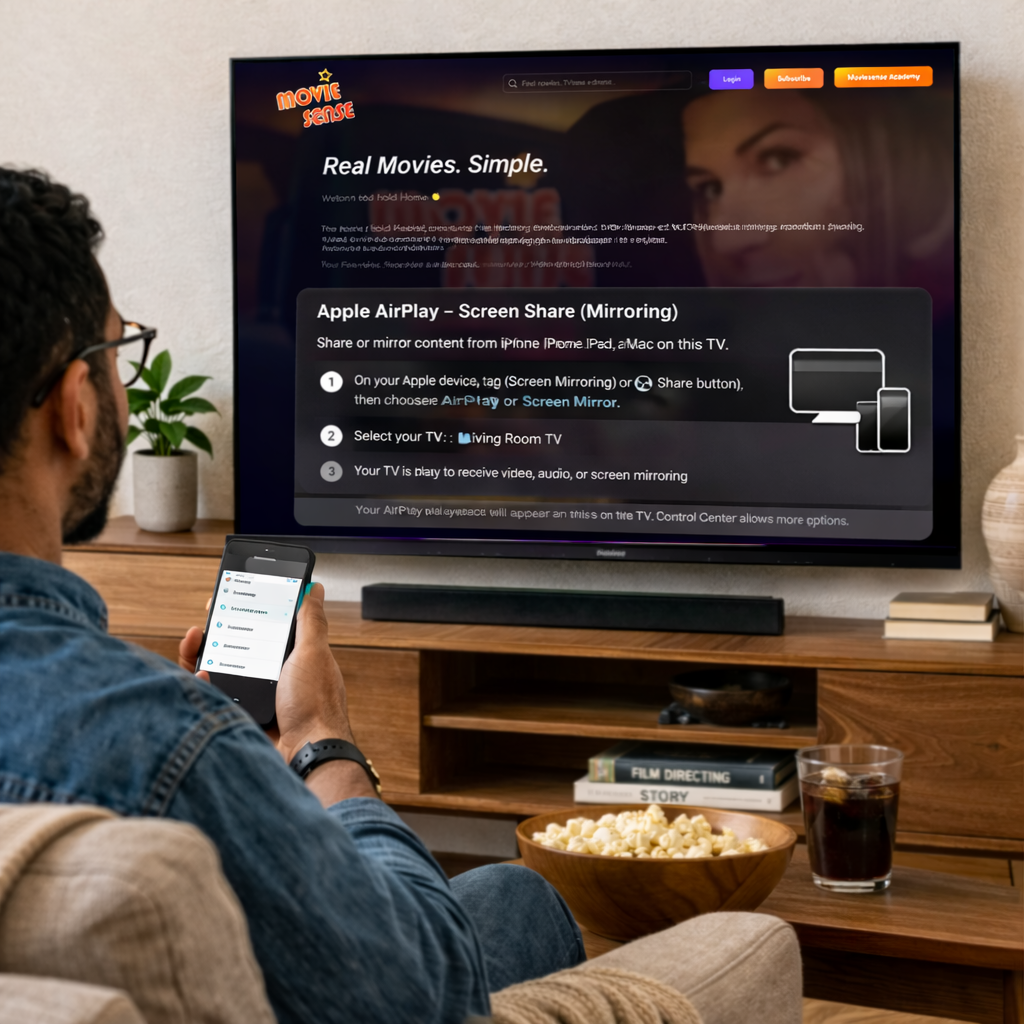
- 1Make sure your iPhone or iPad and Apple TV are on the same Wi-Fi network.
- 2Open MovieSense on your iPhone or iPad in Safari or your preferred browser and sign in.
- 3Open Control Center on your iPhone or iPad and tap Screen Mirroring.
- 4Select your Apple TV, enter the AirPlay code if prompted, and start watching.
Amazon Fire Stick

- 1Go to the Fire TV home screen.
- 2Open the Silk Browser.
- 3Go to moviesense.com and sign in.
- 4Select your film or lesson and enjoy.
Samsung Smart TV
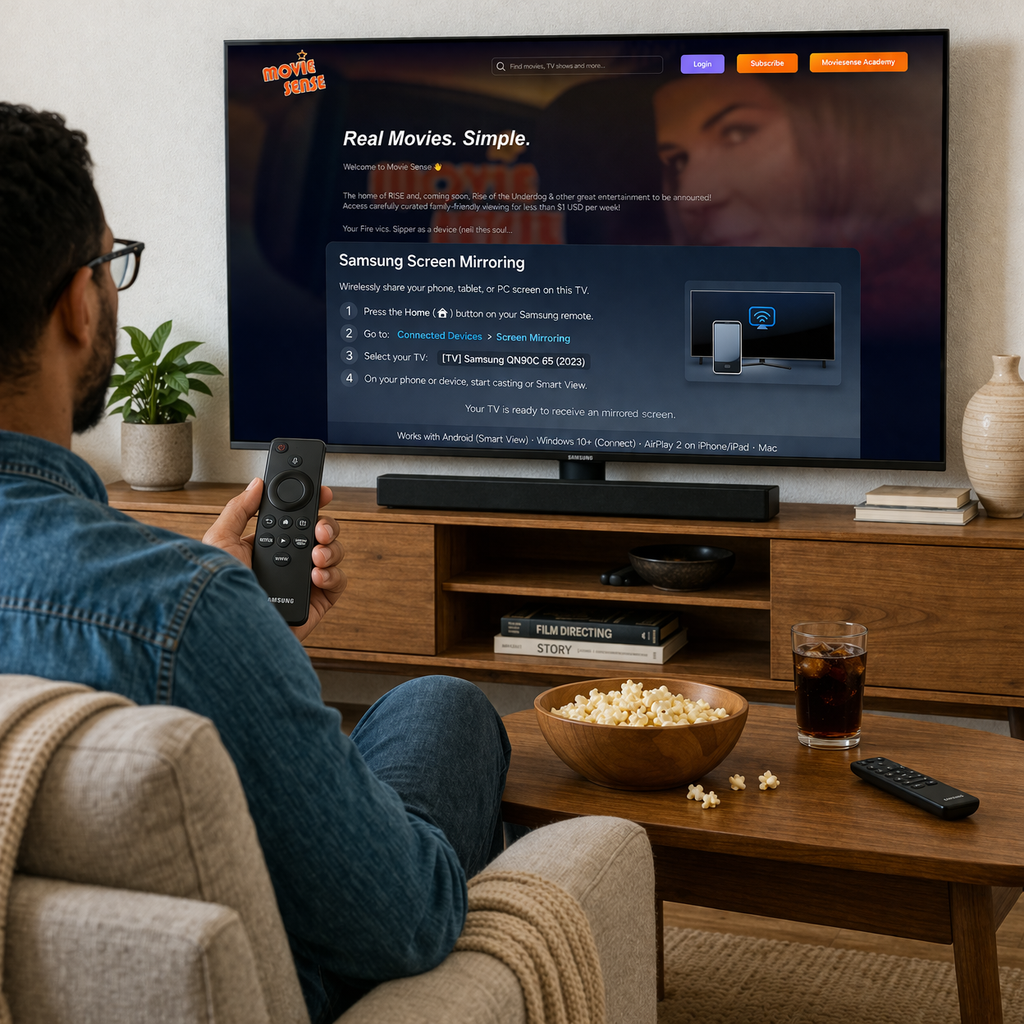
- 1Press the Home or Smart TV button on your Samsung remote.
- 2Open the built-in Web Browser / Internet app.
- 3Go to moviesense.com and sign in.
- 4Select your film or lesson and enjoy.
LG Smart TV
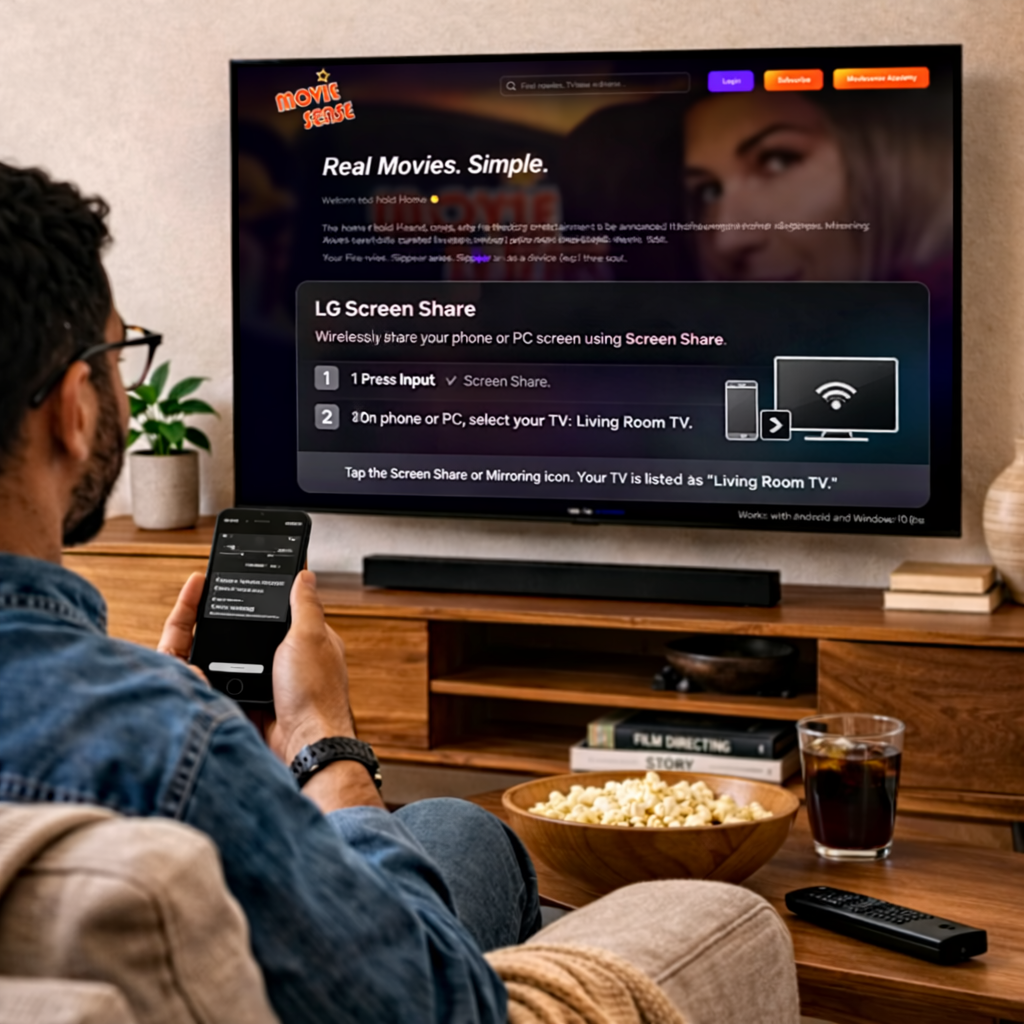
- 1Press the Home button on your LG remote.
- 2Open the Web Browser app from the home screen.
- 3Go to moviesense.com and sign in.
- 4Select your film or lesson and enjoy.
Chromecast
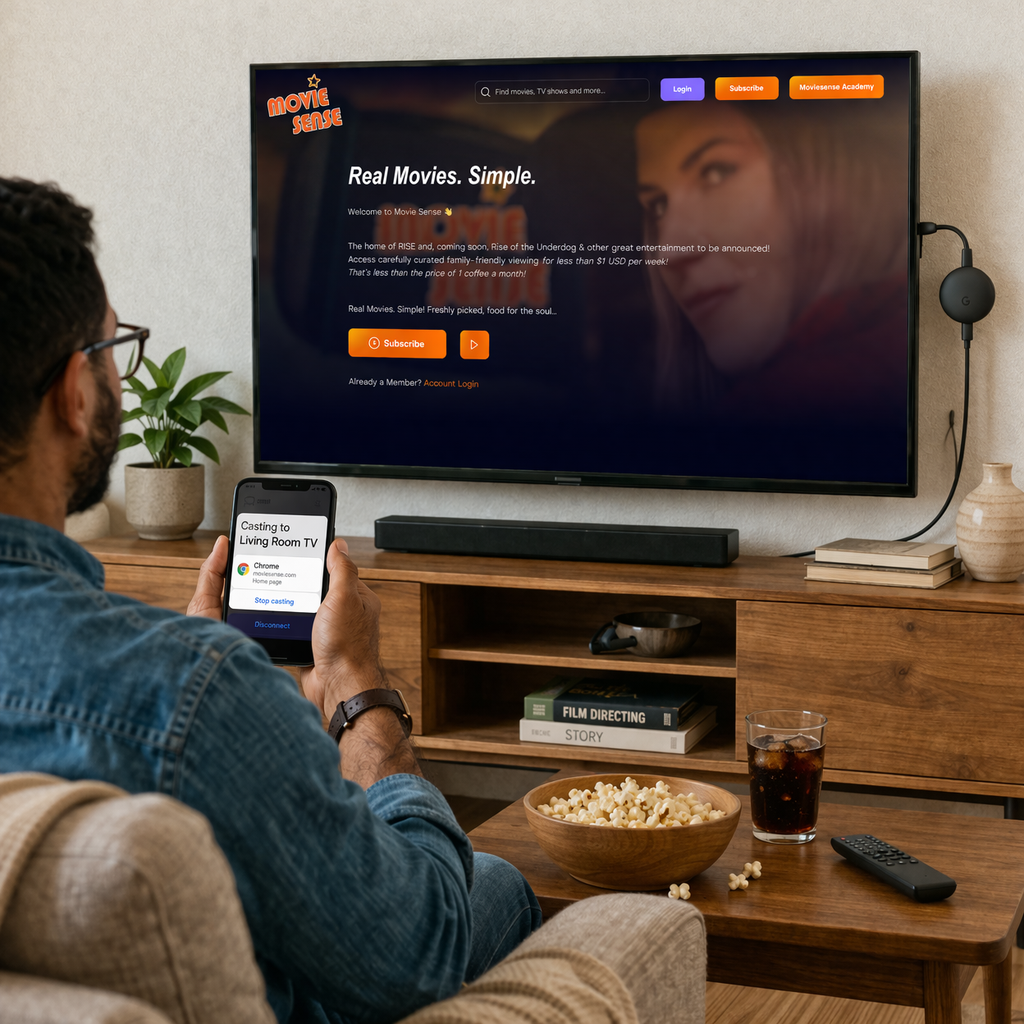
- 1Make sure your Chromecast and your computer are on the same Wi-Fi network.
- 2Open Chrome on your computer and go to moviesense.com.
- 3Sign in and start the video you want to watch.
- 4Open the Chrome menu and choose Cast, then select your Chromecast device.
Tip: Chromecast casting options can vary by phone, so desktop Chrome is the simplest support path.
Mobile & Tablet
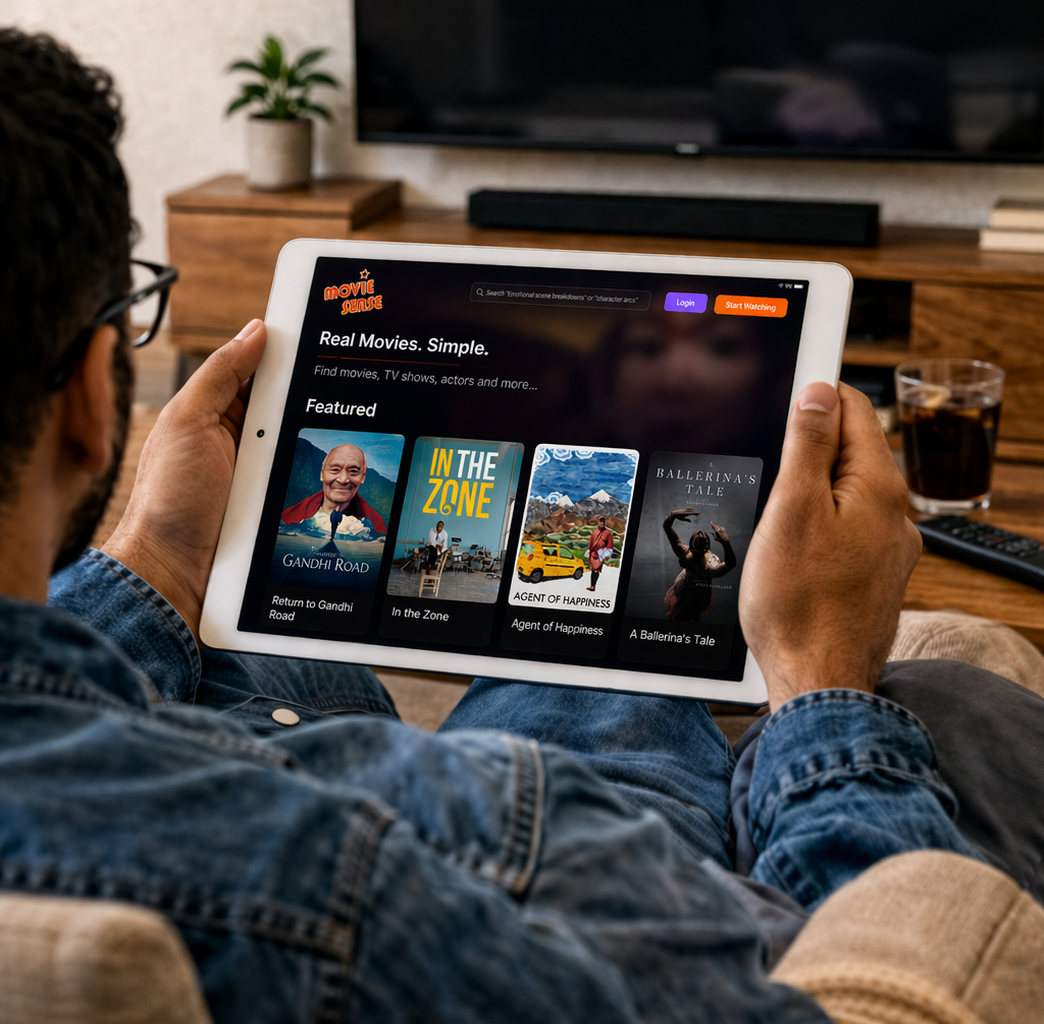
- 1Open Safari, Chrome, or your preferred browser.
- 2Go to moviesense.com and sign in.
- 3Select your film or lesson and enjoy.
Need Help?
Having trouble accessing your course? Our support team is here to help you get started with watching your acting lessons on any device.
Contact SupportBest Experience
For the smoothest playback, use a modern browser like Safari, Chrome, or Firefox on a stable internet connection.
Download for Offline
If downloadable lessons are available in your course area, save them in advance before travelling or watching on the go.
Multiple Devices
Your progress can continue across devices, so you can start on your TV and pick up later on your phone or tablet.